05 · TypeScript · Chrome extension
AcademicReader
A Chrome extension that opens academic PDFs in a custom viewer, flags confusing text with an LLM, and gives every highlight, and the document as a whole, its own persistent chat.
How it runs
Everything runs inside the extension itself: no server and no separate process (a locally authenticated Codex CLI is the one opt-in exception). Storage is IndexedDB and chrome.storage.local, and it talks directly to whichever provider you configure: Anthropic, Google Gemini, DeepSeek, OpenAI, or Codex CLI logged in with a ChatGPT account instead of a paid API key.
- 7.7K
- lines of TypeScript
- 62
- commits, Aug to Sep 2026
- 5
- LLM providers supported
- 0
- servers: everything runs in the extension
Three ways to create a highlight
Auto-scan runs when you open a PDF, flagging confusing spans automatically. A repeat occurrence of the same flagged phrase elsewhere in the document shares the same highlight and the same conversation rather than starting a new one.
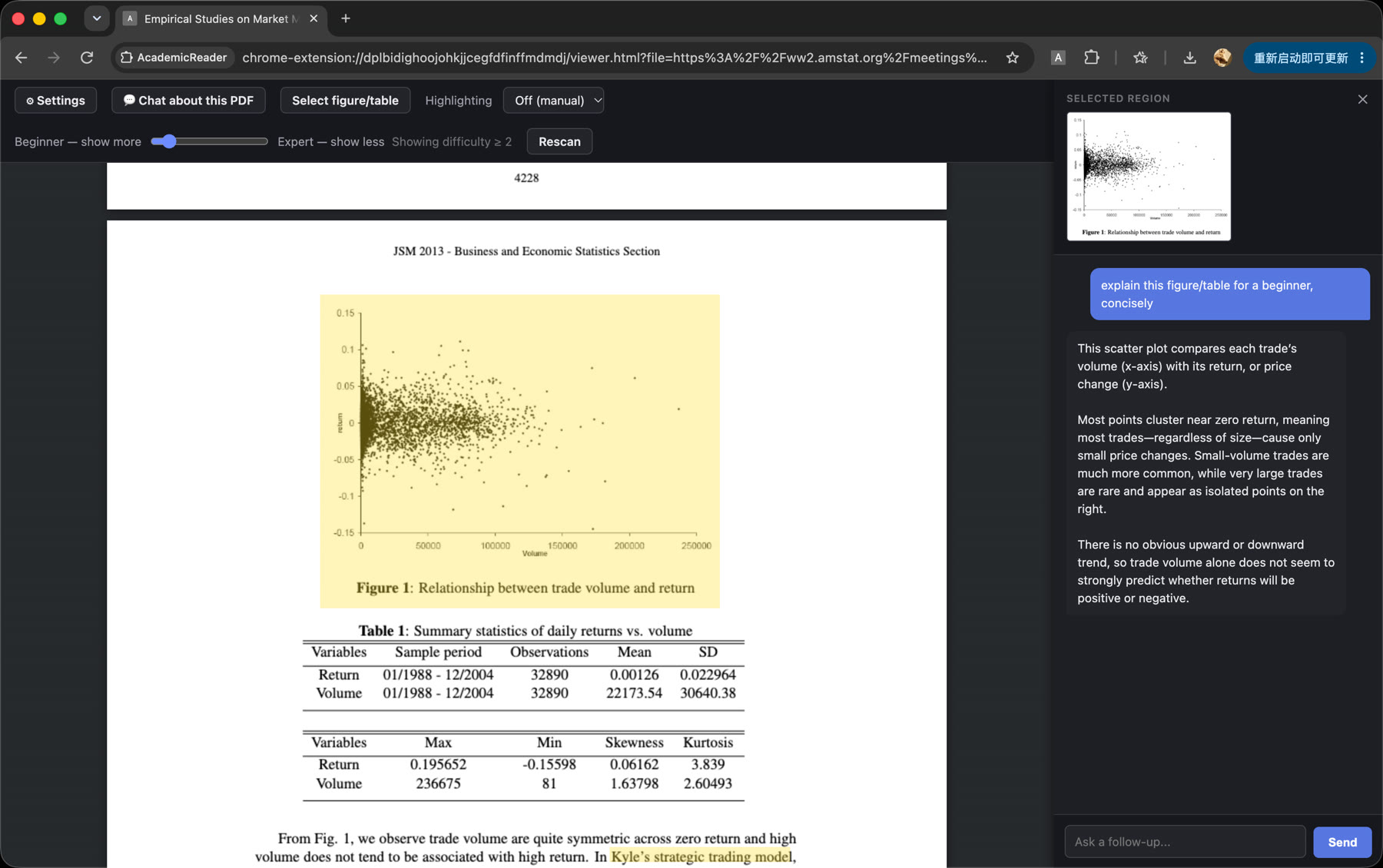
Region-select lets you drag a box over a figure or table for an explanation. Select text, ask AI highlights only the exact passage you chose, independent of whatever auto-scan flagged.
A separate global PDF chat is scoped to the whole document, for questions like what the main contribution of a paper is. It is given the document's full extracted text (capped around 40,000 characters) rather than just local context.
Where it redirects and where it needs a click
rules.json only auto-redirects PDF URLs it can match by a reliable, stable pattern: arXiv, ACM, OpenReview, ACL Anthology, Springer, and PMC/NCBI. Everything else on the granted-domain list, including IEEE, ScienceDirect, Nature, JSTOR, ResearchGate and SSRN, has host permission but no redirect rule yet, so you open the PDF and click the toolbar icon.
For anything not on that list, a popup field accepts any PDF URL directly and requests permission for that origin at runtime, a one-time browser prompt.
Data
Documents, highlights and chat history live in the browser profile's IndexedDB for the extension. Nothing is synced or sent anywhere except the direct calls to your configured LLM provider. Uninstalling the extension, or clearing its site data, deletes this history.
If this is the kind of work you need, let's talk.
Coffee chat